 Modern Drummer Announces Neil Peart Spirit of Drumming Scholarship
We are happy to announce that Modern Drummer is celebrating the life and legacy of Neil Peart by inspiring an up and coming, young drummer with an incredible opportunity.
In memory of Neil, with the support of his family, Modern Drummer is proud to present an up-and-coming drummer with the annual “Neil Peart Spirit of Drumming Scholarship”.
The scholarship, originally announced at the 2020 Modern Drummer Festival by Carrie Nuttall-Peart, provides the recipient with 52 weeks of free drum lessons from world-class drum instructor Dom Famularo, along with a 1 year subscription to Modern Drummer All Access, plus a selection of classic Rush album releases from Universal Music Enterprises.
Potential recipients of the scholarship must be qualified entrants to participate. A “qualified entrant” is defined as someone who is a legal US citizen between the ages of 14 and 21, is not a professional musician, and is not a party to any sponsorship or entertainment contract that, in Modern Drummer’s judgment, conflicts with the spirit of the scholarship.
Potential recipients must submit up to a 2-minute video of their playing AND a short essay describing why this scholarship will be significant to both their life and their drumming. The impact on their drumming that has been inspired by Neil’s playing and legacy.
To enter and for full Official Rules, go to https://www.moderndrummer.com/neil-peart-spirit-of-drumming-scholarship/ fill out the form and upload the video along with your essay.
All submissions must be received by Modern Drummer prior to November 26, 2021.
Entries will be reviewed in the order they are received, and the recipient will be announced at the Modern Drummer 2021 Festival, as well as featured in an upcoming issue of Modern Drummer.
Be inspired by the legacy & legend, “The Professor” Neil Peart by entering now.
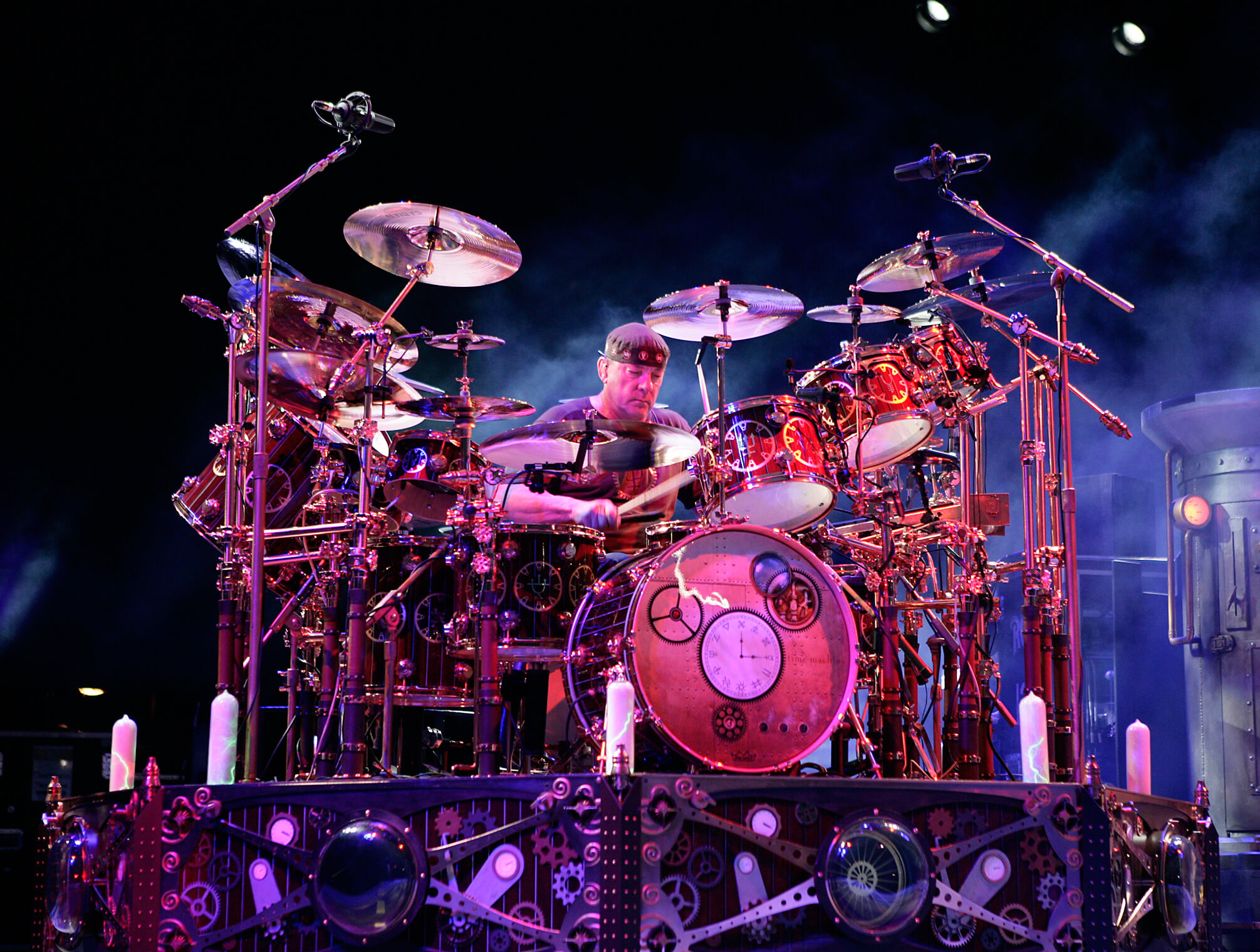
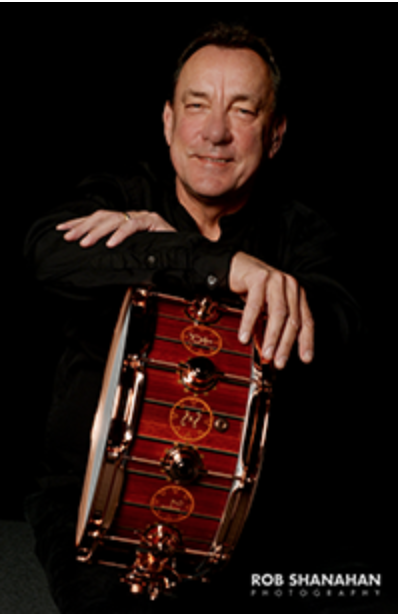
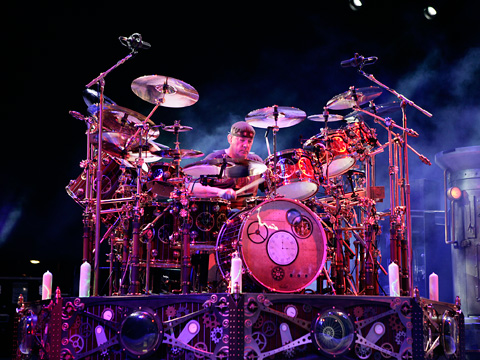 Neil Peart was born September 12, 1952, in Hamilton, Ontario, Canada, and first lived on the family dairy farm, near Hagersville. After the family moved to nearby St. Catharines, Neil began drum lessons at age thirteen, studying with local teacher Don George, then played in a succession of rock bands. Early influences were Gene Krupa, Keith Moon, Mitch Mitchell, Ginger Baker, Michael Giles, John Bonham, and Michael Shrieve. At eighteen, he moved to London, England, a time about which he has said: “I was seeking fame and fortune, and found anonymity and poverty. But I learned a lot about life.”
Returning to Canada in 1972, Neil began working at his father’s farm equipment dealership, playing part-time in local bands. His influences then included Phil Collins, Bill Bruford, and Billy Cobham. In July, 1974, he auditioned for an unknown Toronto band, and joined Rush on the eve of their first American release and tour.
Neil appeared on Rush’s second album, Fly By Night, in 1975, contributing most of the lyrics–as he would throughout their career. It was Rush’s fourth album, 2112, released in 1976, that brought the band their first measure of success. They gradually built on that modest popularity with A Farewell to Kings, Hemispheres, and Permanent Waves, then cemented their classic rock status with the enduring favorite, Moving Pictures, in 1981. Along the way, Rush earned a reputation for their elaborate live shows and became a perennially popular touring band. Over the years their shows elevated steadily in both production and musical values.
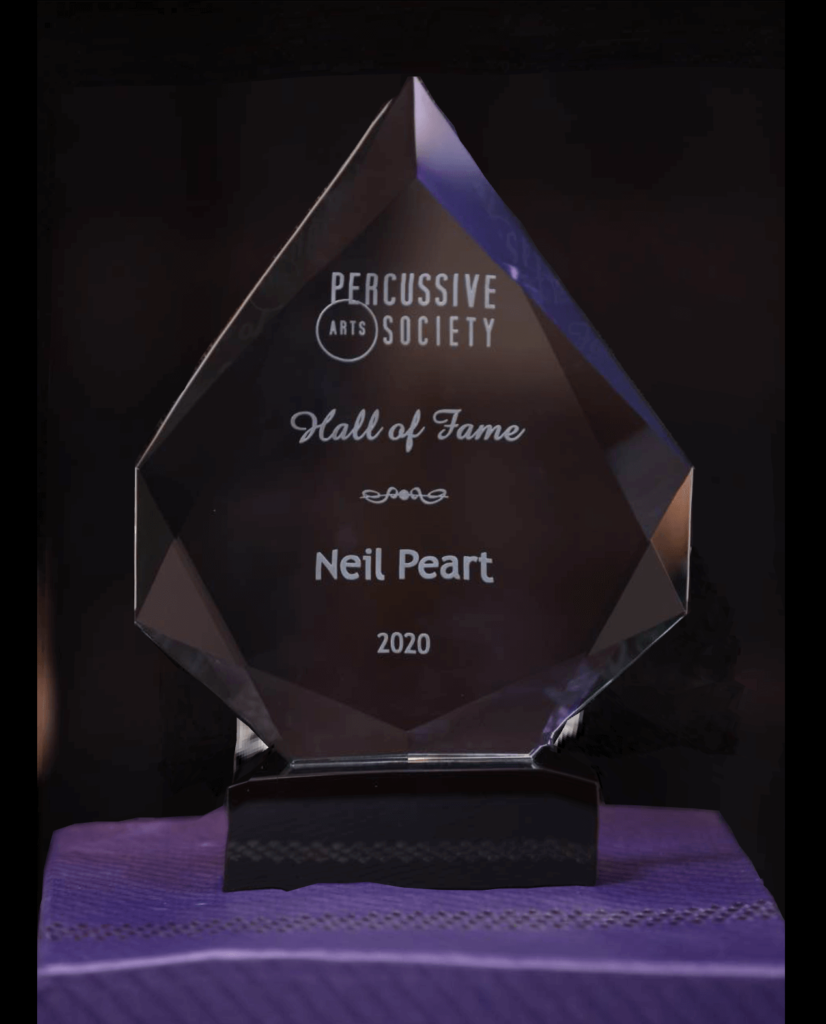
Neil has long been celebrated by other drummers in polls and cited influences, and won numerous awards from the drum magazines, for his recorded work, live performance, and overall musicianship. The drum solos he performed during the Rush tours were legendary. He and his bandmates are Officers of the Order of Canada, the country’s highest civilian honor — as well as recipients of the Governor General’s Award, the country’s highest artistic honor. Peart and his bandmates were inducted into the Canadian Songwriter Hall of Fame (2010), the Rock And Roll Hall Of Fame (2013), and the Percussive Arts Society Hall of Fame (2020).
In 1994 he produced a tribute album to Buddy Rich and big-band jazz, Burning For Buddy: A Tribute to the Music of Buddy Rich, in two volumes, featuring many of the most prominent drummers of the day. Never resting on his laurels, Neil continued to study formally for many years, with Freddie Gruber since the mid-’90s, and with Peter Erskine in 2008.
Neil released two instructional DVDs, A Work in Progress (1996) on the subject of composing drum parts and recording them, and Anatomy of a Drum Solo (2005), on the title subject. In 2011, Hudson Music released Taking Center Stage: A Lifetime of Live Performance, on the subject of drumming in front of audiences–for more than four decades.
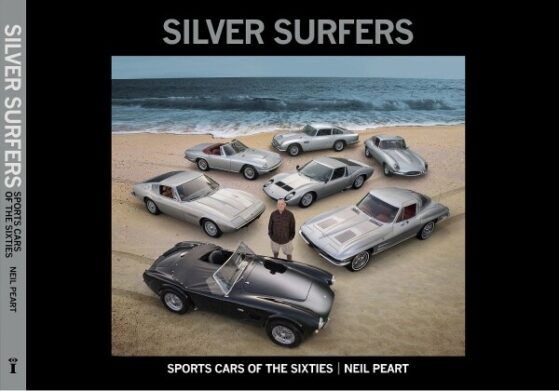
Neil was also an accomplished writer. He published six nonfiction books: Far and Wide: Bring that Horizon to Me! (2016), Far and Near: On Days Like These (2014), Far and Away: A Prize Every Time (2011), The Masked Rider: Cycling in West Africa (1996), Ghost Rider: Travels on the Healing Road (2002), Traveling Music: The Soundtrack to My Life and Times (2004), and Roadshow: Landscape With Drums, A Concert Tour by Motorcycle (2006).
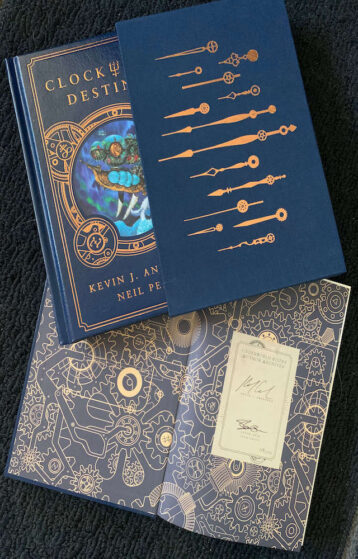
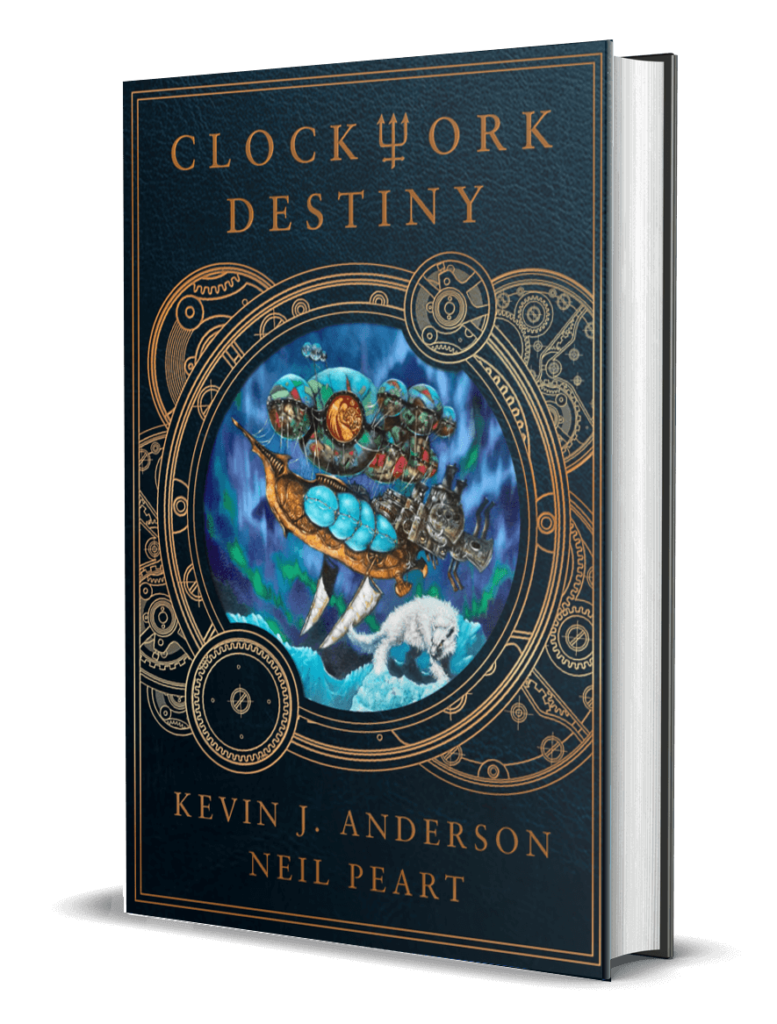
Neil also coauthored three novels with science fiction author Kevin J. Anderson based on the steampunk fantasy universe of Rush’s last album—Clockwork Angels, Clockwork Lives, and Clockwork Destiny (plotted during his last years, to be published posthumously); the two also wrote the dark fantasy novella Drumbeats, inspired by Peart’s travels in Africa.
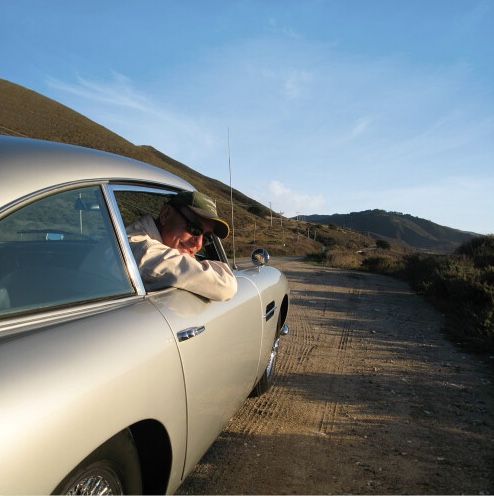
Neil lived in Santa Monica, CA, with his wife Carrie and daughter Olivia. Following the end of the R40 Rush tour, he announced his retirement from music and enjoyed his retirement with family, riding, writing, and other pursuits.
He was diagnosed with an aggressive form of cancer, and left us three and a half years later on January 7, 2020.